Showing posts with label research. Show all posts

Getting To Know My DSLR Emily McKay
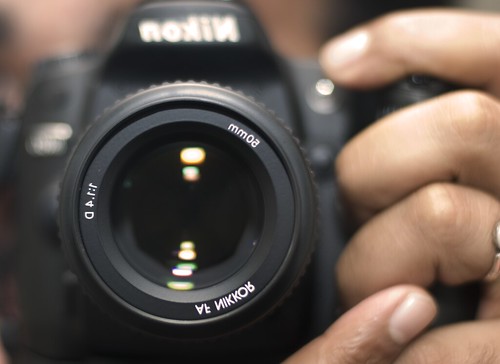


In this assignment, we took definitions and we learned about how a camera works and the certain buttons that are on a camera. I learned more about a camera than i used to. I learned about the buttons, what they do and what they look like.

https://c1.staticflickr.com/3/2486/3961395823_8f978c92e6.jpg 
Getting To Know My DSLR: Dane


https://c1.staticflickr.com/3/2915/14232684964_273b521393_b.jpg

The purpose of this project was to allow us to get used to the functions of a digital single-lens reflex camera (DSLR). I learned that by simply changing the white balance, the colour of  the photo turns out more like what it was like before the photo was taken rather than having the picture be tinted or changed because of the light indoors. Learning about the different modes also helped me out a lot, because each mode can give you a different final product outcome hence taking a picture of the same subject.


Getting to know my DSLR by Jedo

http://www.premiumbeat.com/blog/reasons-not-to-buy-dslr-for-filmmaking/

This is the fetures in the camera that allows you to take pictures in another level. This is definitions in how to understand the many things you can use to make taking pictures more creative.


Savanna's Getting to know my DSLR


Getting to Know My DSLR by Vincent Maula


http://www.better-photographs.com/image-files/dslr-video-1.jpg


When learning about my camera, I learned that the camera has its own built in filters. When playing with the exposure and shutter speed, I learned that you can find one central light and manipulate it by moving the camera in different directions.


Getting to know my DSLR by Charles Panggat

      Now I know the difference from the different modes of Camera and how to use the camera properly.


It is great to have a fancy camera that does many things.  Many of us use the automatic presets only.  When we need to stretch our knowledge of the camera.

You will research the following terms.  Just like your last assignment you will be required to have a Google Presentation.  There will be 3 slides for each definition.

  1.  One should have a definition of the camera topic,
  2.  the second should be an example from the internet and the 
  3.  third an example you have taken.


Here is another great link for how to use your DSLR in manual mode.

Definitions

ISO
Aperture
Shutter
White Balance

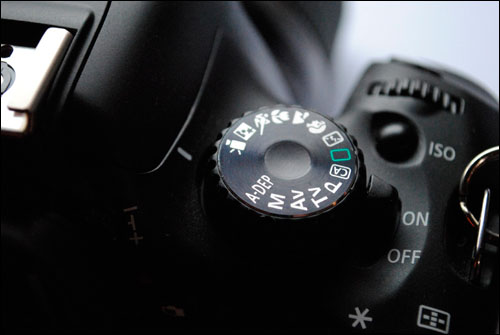
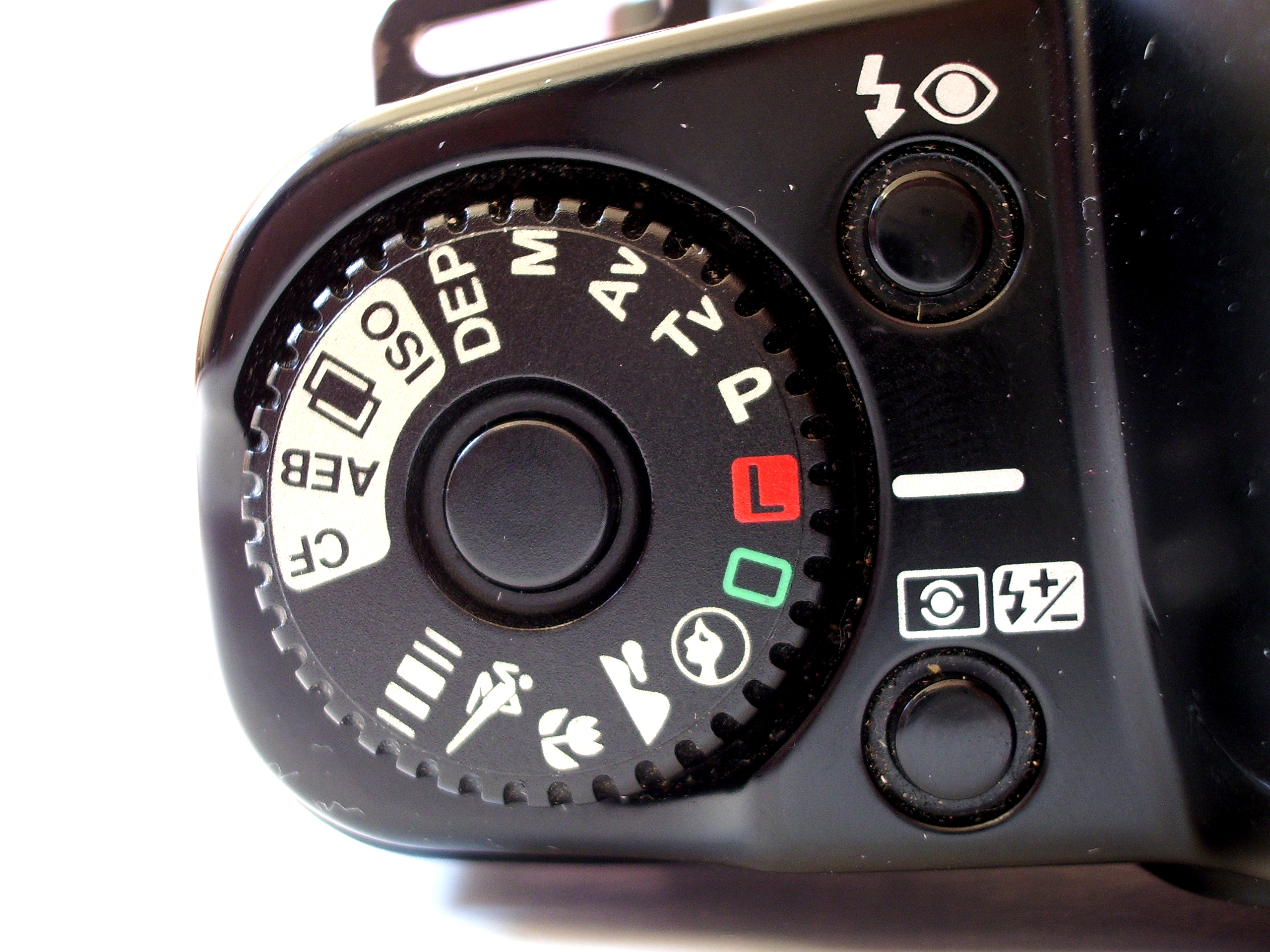
P Program Mode

TV Shutter Priority Mode
A Aperture Priority Mode
M Manual Mode

Here are 21 practical settings and techniques when using a DSLR. This site will help you complete the following slides.

How to Hold a Digital Camera
Introduction to White Balance
Automatic Exposure Bracketing (AEB)
Shutter Release Technique 
 How to Use Focal Lock

Getting Horizons Horizontal 
Fill Your Frame
Getting Backgrounds Right
 Adding Randomness to Your Photos

Title
Getting to know my DSLR by @#$%^
Labels
Getting to know your DSLR, Harbeck, research