Showing posts with label Emily. Show all posts

Stopmotion by Dane, Emily, Eunice


       In this assignment, we, once again, we were assigned to do a stop motion project. For our assignment, we decided to do a mindfulness topic. The steps we took to do our project were: first, taking many pictures to make a stop motion. We used a desk for the back round, asked one of our teachers for an old test as well for some sticky notes to cover the test with fixed mindset ideas. Next, we slowly removed the negative thoughts that we put on the test to change it to a growth mindset. Once we finished taking the pictures, we moved to a computer to edit them to make them as perfect as we can. We then picked a song for the back round, matched the song to the photos, added the title and credited ourselves to our project.

Emily's Macro Photography

    https://static.pexels.com/photos/132419/pexels-photo-132419.jpeg


For this assignment, our class was assigned to do Macro Photography. Our first job was to look up images on the internet to get a better understanding of what Macro Photography is. Once we understood what Macro Photography is, we were given cameras to experience Macro Photography for ourselves. We were allowed to roam around the school to get objects for our pictures. Our next job was to have multiple examples from the internet of Macro Photography to give the audience a better understanding what Macro Photography is. We then had to make a project on Google Slides to show 15 Macro Photos of our own, 4 Tilt Shift Photos of our own, and 5 Guess What, That's What photos. To understand what I just explained, View my presentation:


Emily's Magazine Cover


For this GCT assignment, right after recreating a movie poster, we were assigned to pick a magazine cover we enjoyed to get an inspiration for the one that we were going to make. We had to use Photo Shop to make our magazine cover as real as we could.

The steps I had used was: I first chose multiple magazine covers that I thought were nice enough to recreate. Out of the 8 covers, I chose one that I thought was the best. I then made a practice cover on loose leaf so I had my cover planned. I decided what I was going write, place etc. so that it was easier for me. I picked out the words, then found the proper font that matches the one on my inspiration magazine cover. After, I took pictures to match the magazine cover as well. After all of the fonts and pictures, I had added a barcode to make it look like a true magazine.

Emily's Movie Poster

For this assignment, we were assigned to recreate famous movie posters into Sargent Park School or Winnipeg related posters. I decided to recreate the Ghost Busters movie poster and name it Group Study. I started with the blue background and then added a gradient of light blue circles, then added a smokey brush to it. After, I added a circle with an f in the middle. Then took pictures of my friends, cropped them out from the green screen and added it to my poster. Lastly, I added the paragraph to show who was in this poster, what was in it, and what i used to take pictures.


Emily's Instagram Assignment

For the month of December (during the winter break) we were assigned an assignment. For this assignment, we were assigned to take pictures of all of the letters in the alphabet in both man made and raw made. Man made meaning we needed to find a letter that was made my hand, raw made meaning we needed to be creative and find something that look similar to a letter.


Emily's Photoshop Assignment


For my project, I decided to do a faded landscape image that I found online. It was a little bit difficult because the website that had the instructions, didnt explain it very well so I had to figure most of it by myself. 

How I did it: I first chose 2 different pictures, a self picture and a landscape picture I took 2 years ago. I changed the self picture into a silhouette by making the picture entirely black. I then added the landscape picture into a layer mask and added colors to make it look nicer.

October Photos Of The Day Emily


In the month of October we were assigned to take pictures every single day for a whole month, each pictures having hashtags and @'s. I thought it was very fun because i learned more interesting things with my phone.

Emily's Warhol


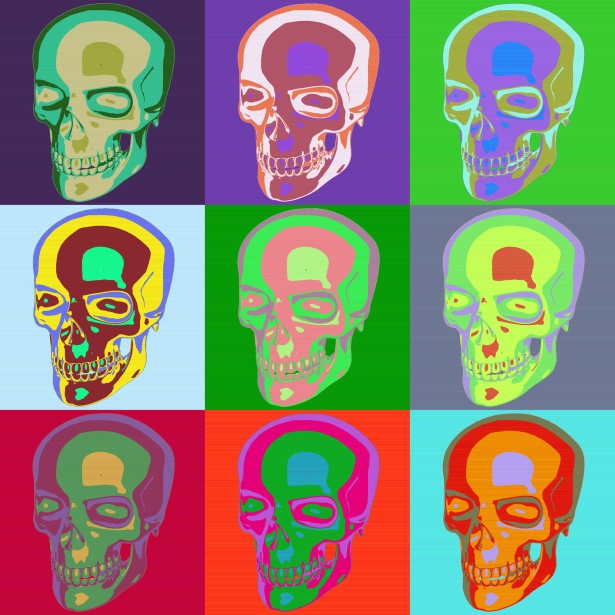
We were assigned to make pop art inspired by Andy Warhol using Photoshop. In this assignment i learned different techniques and learned how to use Photoshop.


http://www.publicdomainpictures.net/pictures/140000/nahled/nine-sculls.jpg

Getting To Know My DSLR Emily McKay


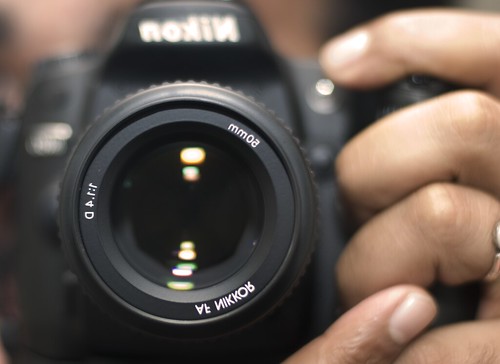
In this assignment, we took definitions and we learned about how a camera works and the certain buttons that are on a camera. I learned more about a camera than i used to. I learned about the buttons, what they do and what they look like.

https://c1.staticflickr.com/3/2486/3961395823_8f978c92e6.jpg 

Emily's Shots and Angles


SHOTS AND ANGLES


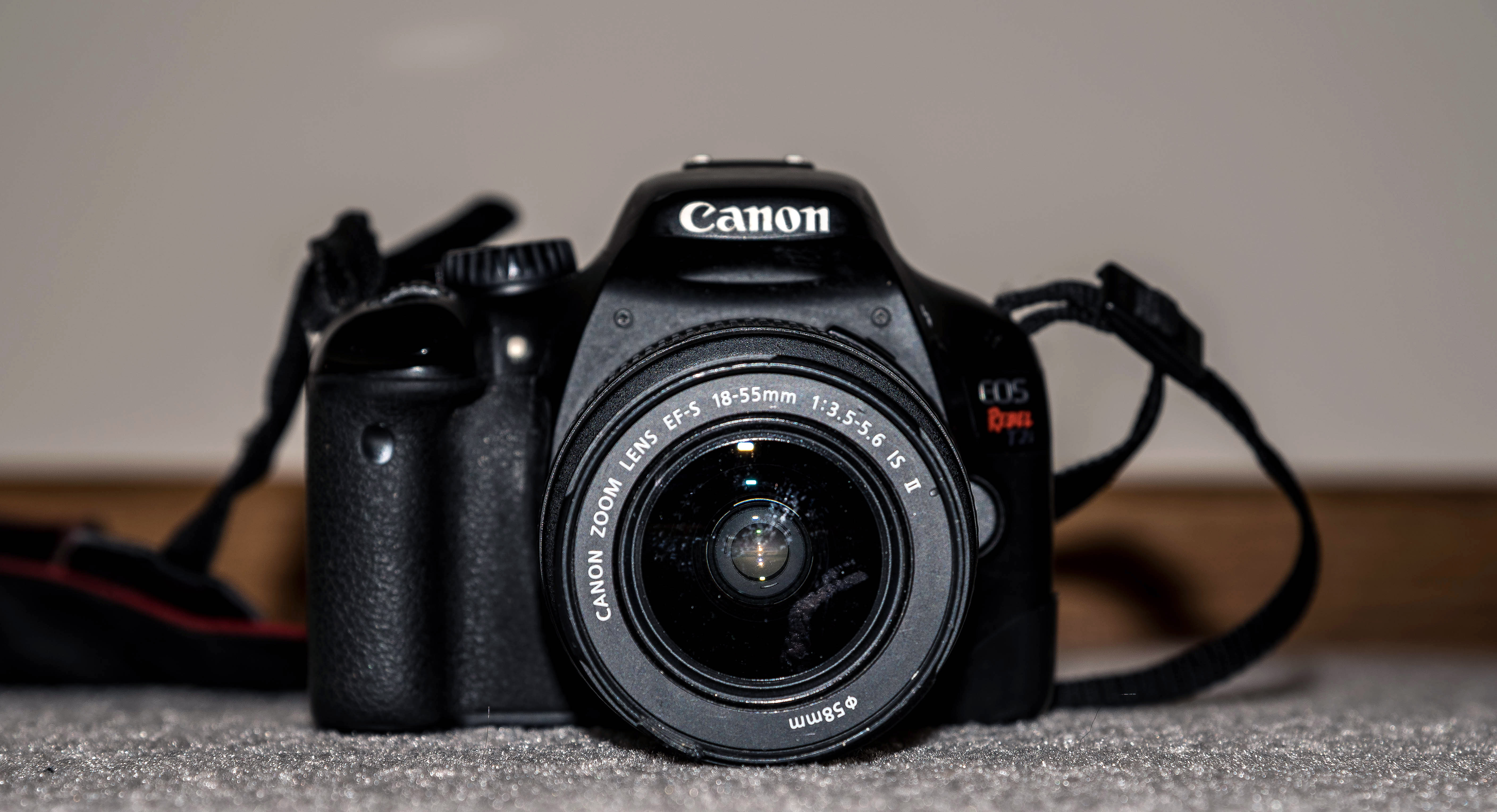
This was the first assignment that we were assigned for GCT. We were assigned to find definitions for the certain words we got, find pictures for the words and take our own pictures with a Canon camera. I learned about the different angles a shot can be taken as.

https://www.goodfreephotos.com/albums/business-and-technology/canon-camera-t2i.jpg