Showing posts with label Pop Art. Show all posts

Andy Warhol Pop Art

https://c1.staticflickr.com/1/42/100943517_d7eb5ef652_b.jpg\


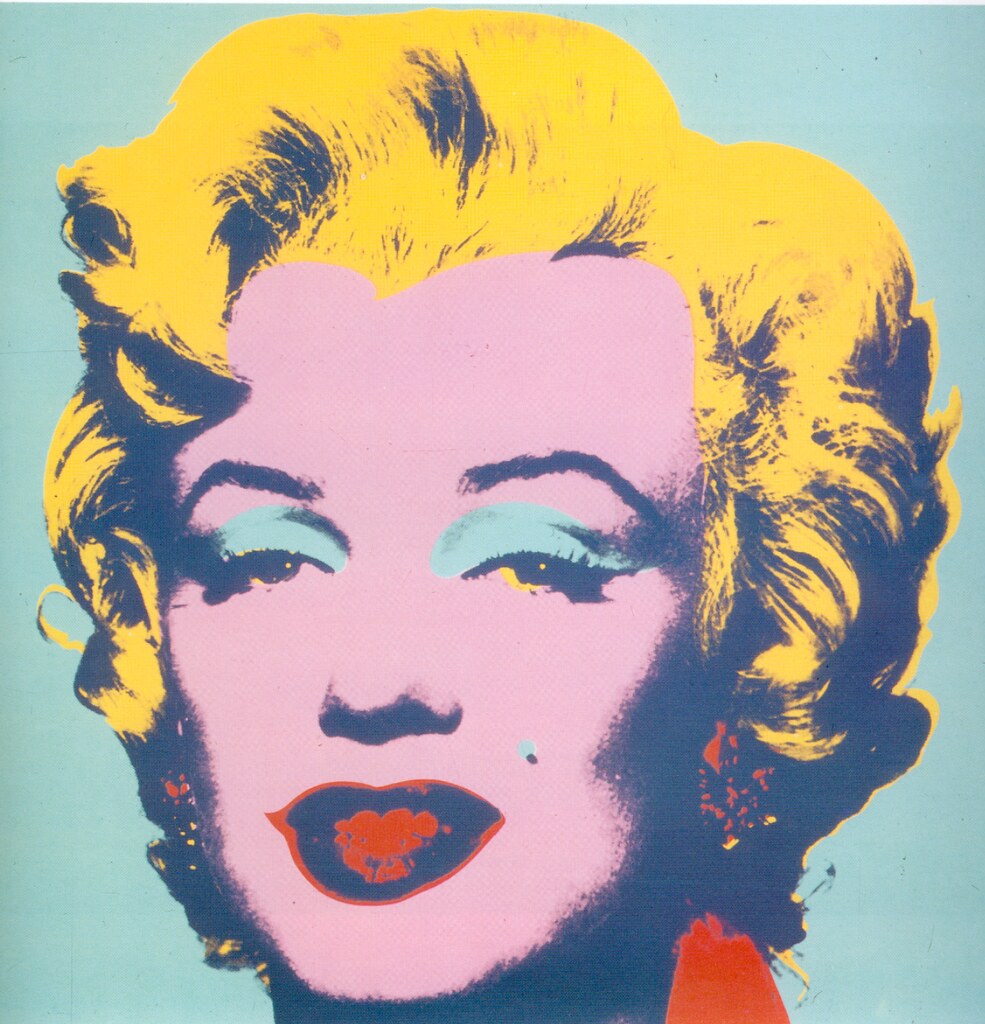
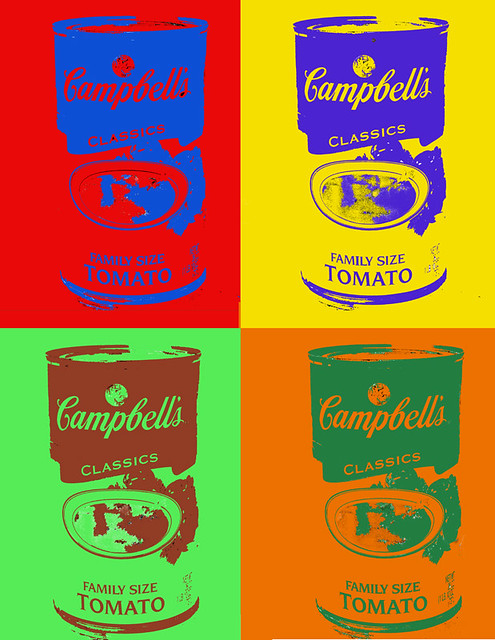
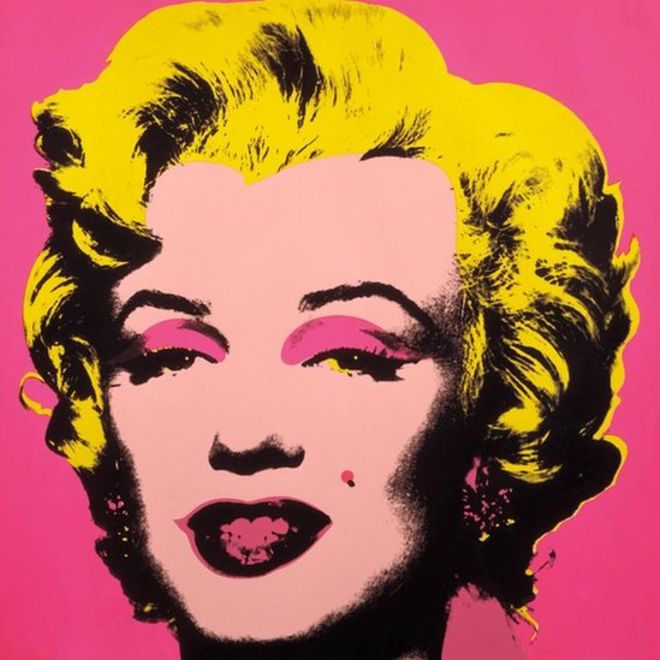
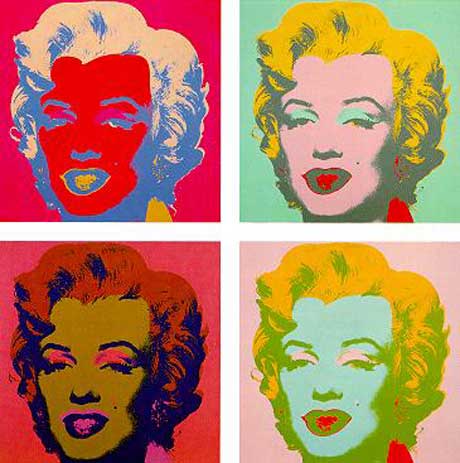
           For this project we were assigned to try to recreate Andy Warhol's famous pop art. Pop art is taking at least 4 or more images and manipulate all the different aspects of the photo. Changing all the colours make it more eye catching and interesting. It sometimes is challenging to make it look like the colours work together and to make the image and back round complement each other. All though it was a little challenging for me, I think it turned out almost perfect. 


Savanna's Andy Warhol Pop art


This is my attempt at Andy Warhol pop art.


Hannah Keehn Andy Warhol Art

For this project our job was to recreate Andy Warhol's popular artwork using photoshop. The purpose for this project is for us to learn more about how to use photoshop, and how to correctly use certain tools that are in photoshop.


Kobe's Andy Warhol Pop Art Thingy


This Is My Version of Some of Andy Warhol's Pop Art!
\/\/\/\/\/\/\/\/\/\/\/\/\/\/\/\/\/\/\/\/\/\/\/\/\/\/\/\/\/\/\/\/\/\/\/\/\/\/\/\/


Sofronio's Andy Warhol

http://orig04.deviantart.net/3d50/f/2012/032/b/7/andy_warhol_by_kylelegates-d4ode1v.jpg


This is the Pop Art I have created using one picture of myself and adding colors to different parts of me. Inspired by the art by Andy Warhol.


Andy Warhol


Image result for andy warhol pop art

http://www.bbc.co.uk/news/uk-england-merseyside-29950247


Stefi's Andy Warhol Pop Art

https://s-media-cache-ak0.pinimg.com/564x/c4/06/4c/c4064c6ab83f8c208273c5a9dc6d75b4.jpg


My Take:


For our first GCT project, we were assigned to recreate Andy Warhol's pop art by using Photoshop and one photo of ourselves and choosing a variety of colour to manipulate the image. Then we would make another three images to and manipulate the colours on it to make it look different from the other images. This project was very fun because it allowed us to play around on Photoshop and learn many features as well!

Jamie - Andy Warhol PopArt


https://c1.staticflickr.com/1/42/100943517_d7eb5ef652_b.jpg 

PopArt


Dane's Andy Warhol

                             http://65.media.tumblr.com/tumblr_lwfeh4DrZI1qzzsdjo1_1280.jpg


This project is based off the man who lead the widely recognized visual art movement known as Pop Art. Andy Warhol is best known for his artworks. Warhol's artworks were all different yet the same techniques were used, he took a photograph of his choosing, duplicated them to fit into a grid with each area being different in terms of colour.

Andy Warhol's Work:


For this project it was a process of gaining experience and generating creativity, one area had to have been altered 5 times (4 for the subject and 1 for the background) and each had to complement to colours surrounding it. We used Photoshop to achieve this.
My take:                                                                                                                                                    


Julian's Andy Warhol Art


https://www.flickr.com/photos/qthomasbower/7157362194

This assignment was based upon the art that the artist Andy Warhol created. I created this by choosing a picture of myself, then cutting out the background. After, I colored the different parts of my body and clothing (different colors). I applied filters (cutout and poster edges) to finish the products off.


Vincent Maula Andy Warhol Pop Art

http://artsmelange.com/article/wp-content/uploads/2015/11/Andy-Warhhol-Marilyn-Monroe.jpe


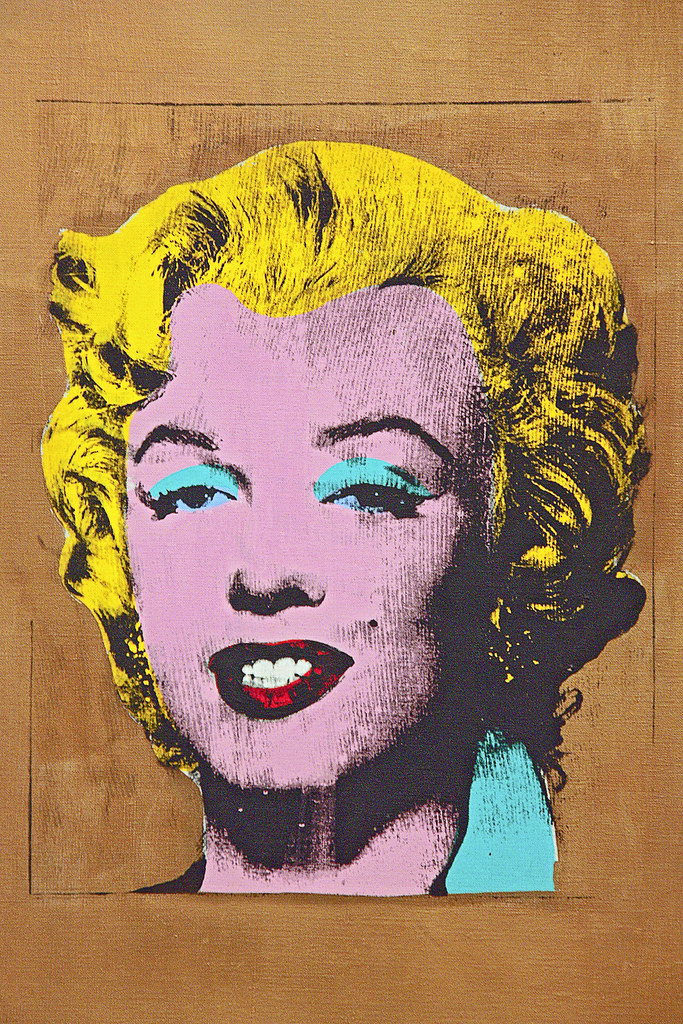
I think the purpose of doing this Andy Warhol Pop Art project was to understand how he uses colour to manipulate regular images and change them into something new and different. While doing this we learned how to use the basics of photoshop to create our own pop art project using an image of ourselves. We learned how to select an area of your picture and change the colour. Each image should have 4 different colours.


Jedo's Andy Warhol

                                      https://www.flickr.com/photos/tomasfano/4272369417
This project shows how Mr. Andy Warhol does his way of making art. Each of the picture has a diffirent colour choices, which we were told to choose. It is a self portrait of me and I have to edited the color in order to make it. Then after we had to put filters to make it more cartoony.


JC's Andy Warhol Pop Art

http://orig11.deviantart.net/1a11/f/2012/122/9/2/pixel_art__masterpiece_series__by_joojaebum-d4yd9l1.jpg

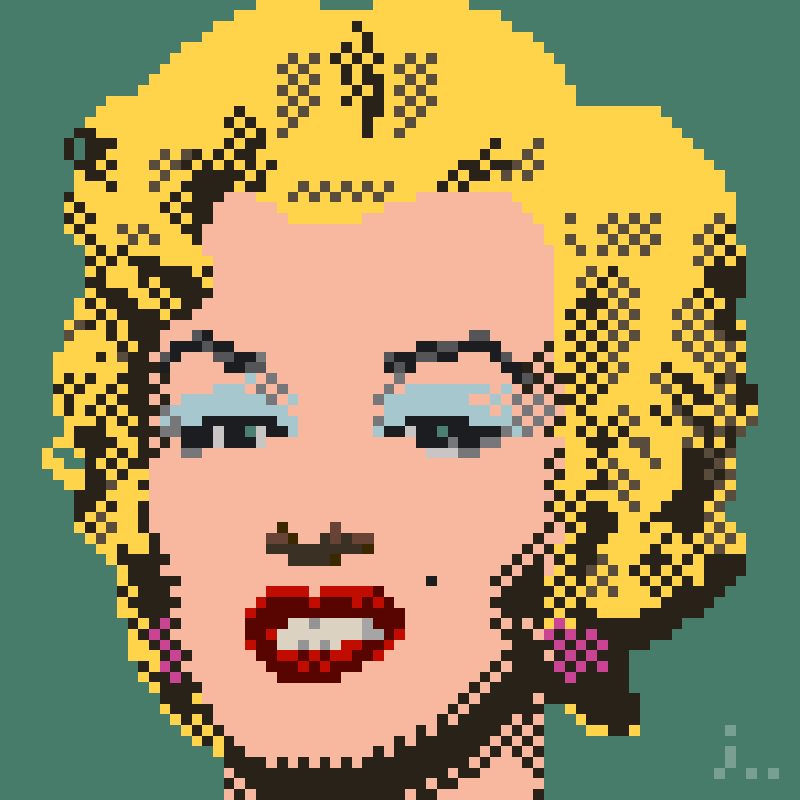
     This project is about understanding Andy Warhol's Pop art. To show this we made a Pop art about ourselves. We have 1 photo and we changed the coloration of it so it has 4 different colors and we did this 4 times. We then have to put 2 or more different types of filters to make it look Cartoon like. I also learned how to use different colors that have nice contrast together.