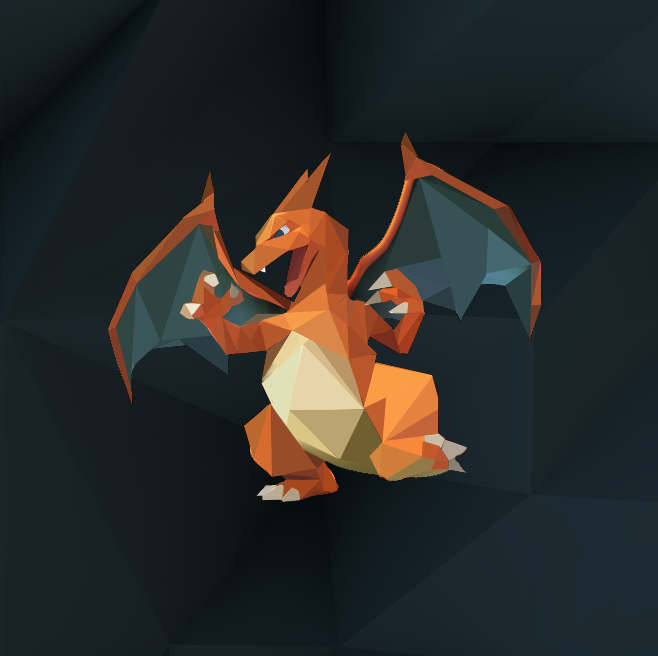
for this project i based my assingment on a form of polygon art. Polygon are is where you take any photo of your choice and make draw polygons on it and then color that one area a specific area, the shapes should usually have sharp ends to achieve a polygon look.
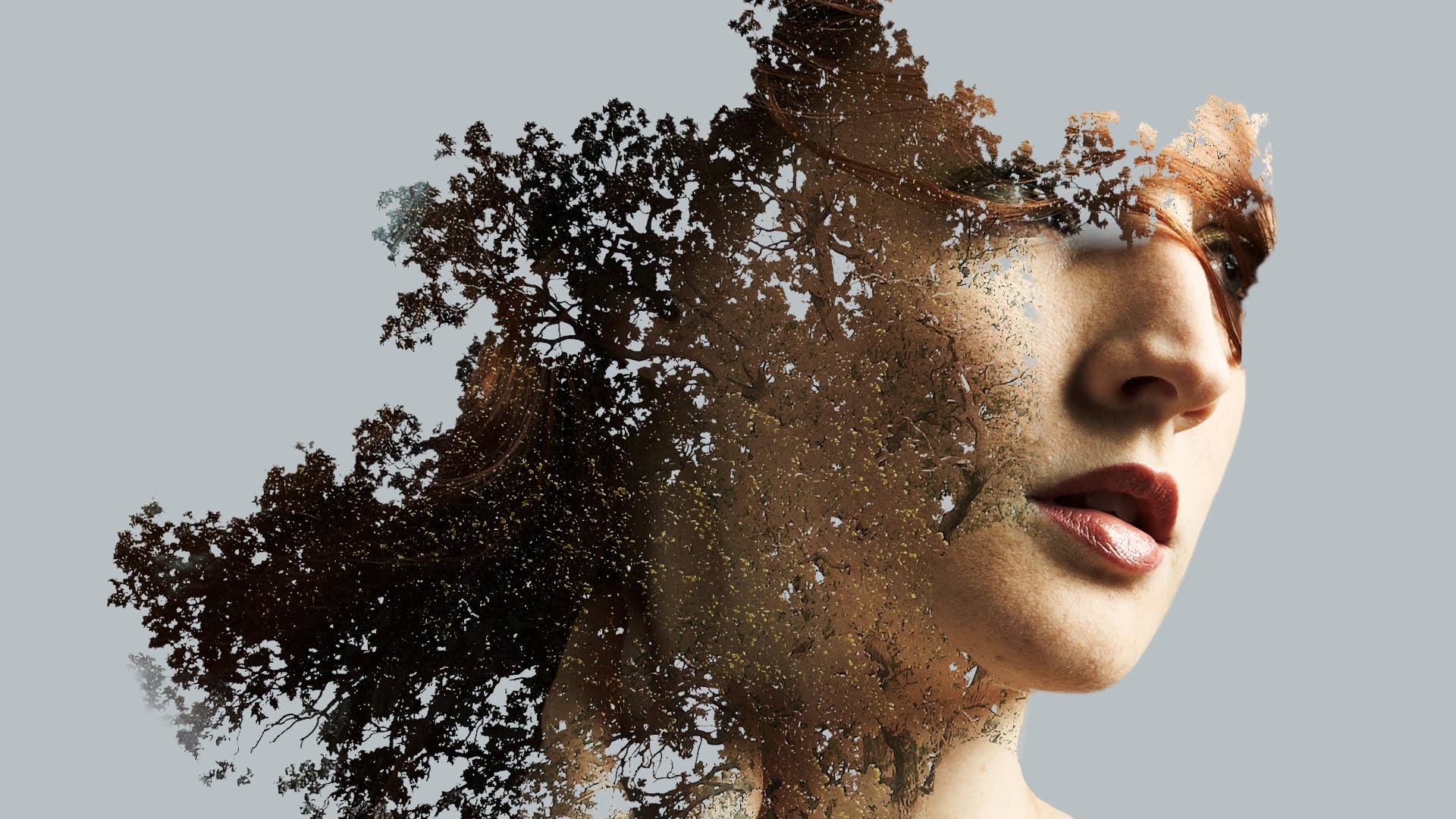
For my second project i chose to do double exposure. double exposure is when you take two photos, most specifically one silhouette and one background photo. After choosing you then play around with the transperancy of the first picture until you get the desired look that you like.
For my project I decided to do a double exposure effect using a two images for the project. One of a portrait and one of a leafy tree.
First, I picked a portrait of my cousin since it was the only picture that I actually took a picture of someone, I then picked one of the tree pictures that I have. I selected the tree first and layered it. Its pretty easy once you get the hang of it. It's nothing like the Andy Warhol assignment and this is much more complicated.
All you need to do is mask the tree first and get rid of the extra background and add a black and white filter. Then select the part of the portrait that you want to be visible in the edit. To make a fading effect use a the gradient tool and make a line from left to right until you reached the level of transparency you want for your picture. to get rid of the excess portrait just erase them using the erasing tool. If you want some extra effects you can add a filter to spice things up.
For a better understanding on how to do this kind of effect there's a video and the website is down below.