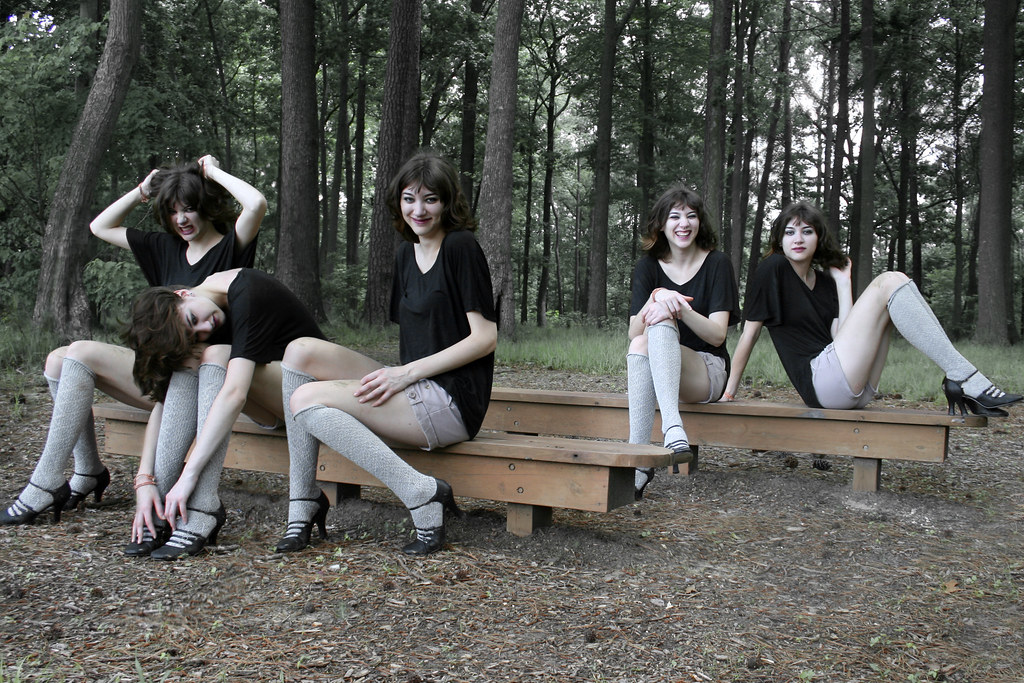
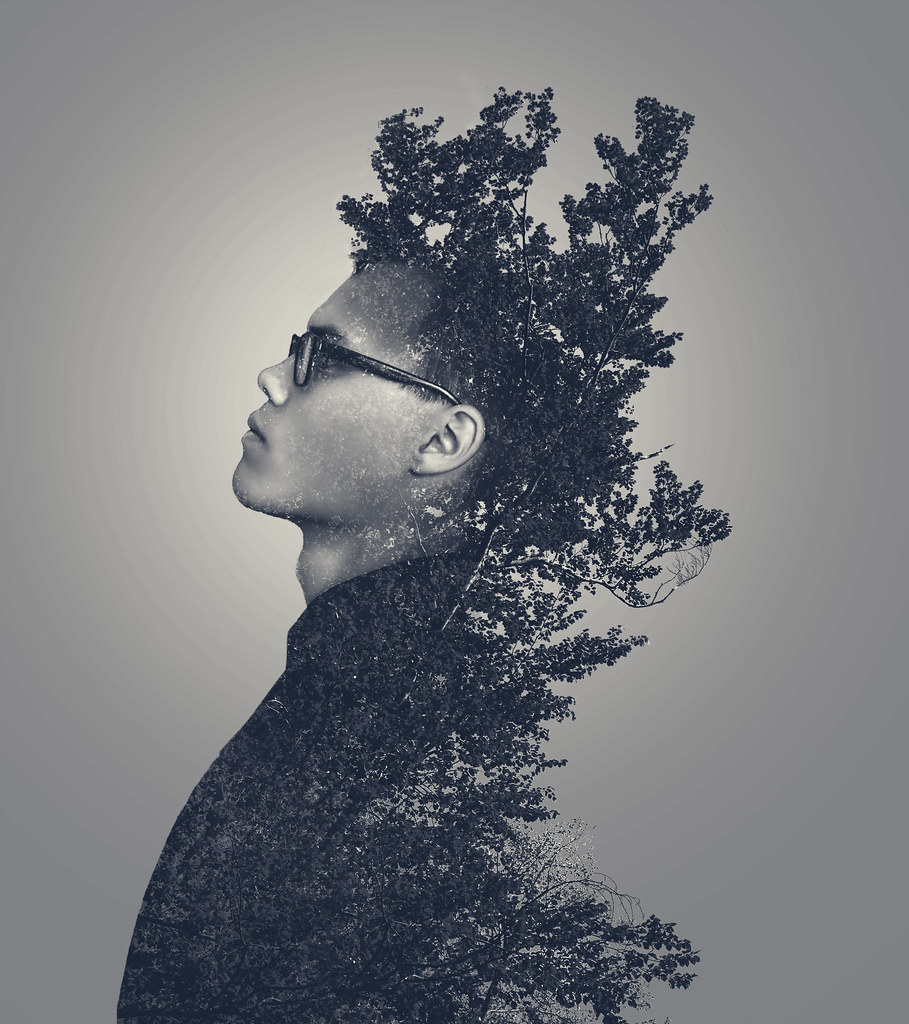
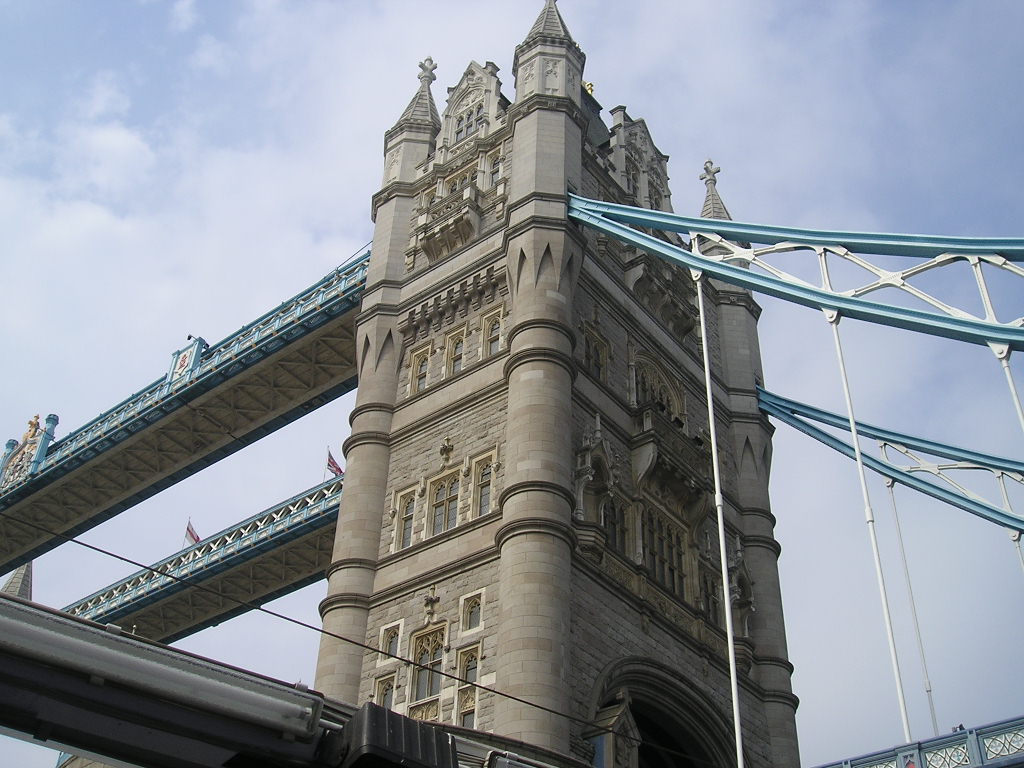
I created a photo essay with a few photoshopped photos to represent my life at Sargent Park. My creative writing piece is included in the presentation.
We took photos of other people and edited to make it seem like there is multiple of the same person in.
RAW
Before
After
Final
Before
After
If you want to learn how to do this you have to take photos of the same person in different positions, you can use a tripod so the camera can stay in place and you just have to click the button to take a picture. Once you got you photos go put them into Adobe Photoshop Elements, make sure all of them are in the photo bin to make sure the photo merge will work. After that, you can edit your photos to make it look better, but I did it after the photo merge because there were different lighting and exposure and other stuff when I merged the photos. Once you did what you like to the photo go to Enhance and go to PhotoMerge then click PhotoMerge GroupShot. Then select all the photos you want from the photo bin by pressing shift or you can click select all. Then drag your last photo to the left to a box (by the way all the photos will be highlighted in different colors in the photo bin). Then use the pencil and draw around the same person in each photo and it will show you on the right box what happens when you do that you can use an eraser when you don't want something in the picture. After that, you can click done and can edit it to make the picture better like I had done.
In class we took pictures of small objects and had to edit them. We took tilt-shits and we also did a guess what, that's what game. Here are some examples:
The shots I used for my video are the one in the beginning is a medium shot, then it shows a cut in of the ingredients. Then it showed a side shot of the buttering from both sides.Then I showed a POV shot of my sister putting the bread in the toaster.I also showed a close up shot of the timer clock to show how much you put for the timer. Then I show a time-lapse of the bread getting toasted. Then it shows a Pov shot of my sister flipping the bread. Later I use an The top shot for putting cheese on the bread. then I put the camera in the microwave to show a different suspect of the makings of grill cheese sandwich. Then I showed a close up view of the timer to show how much time you put. The I show the finishing product at several views which are the top view and side view.(close up shot)
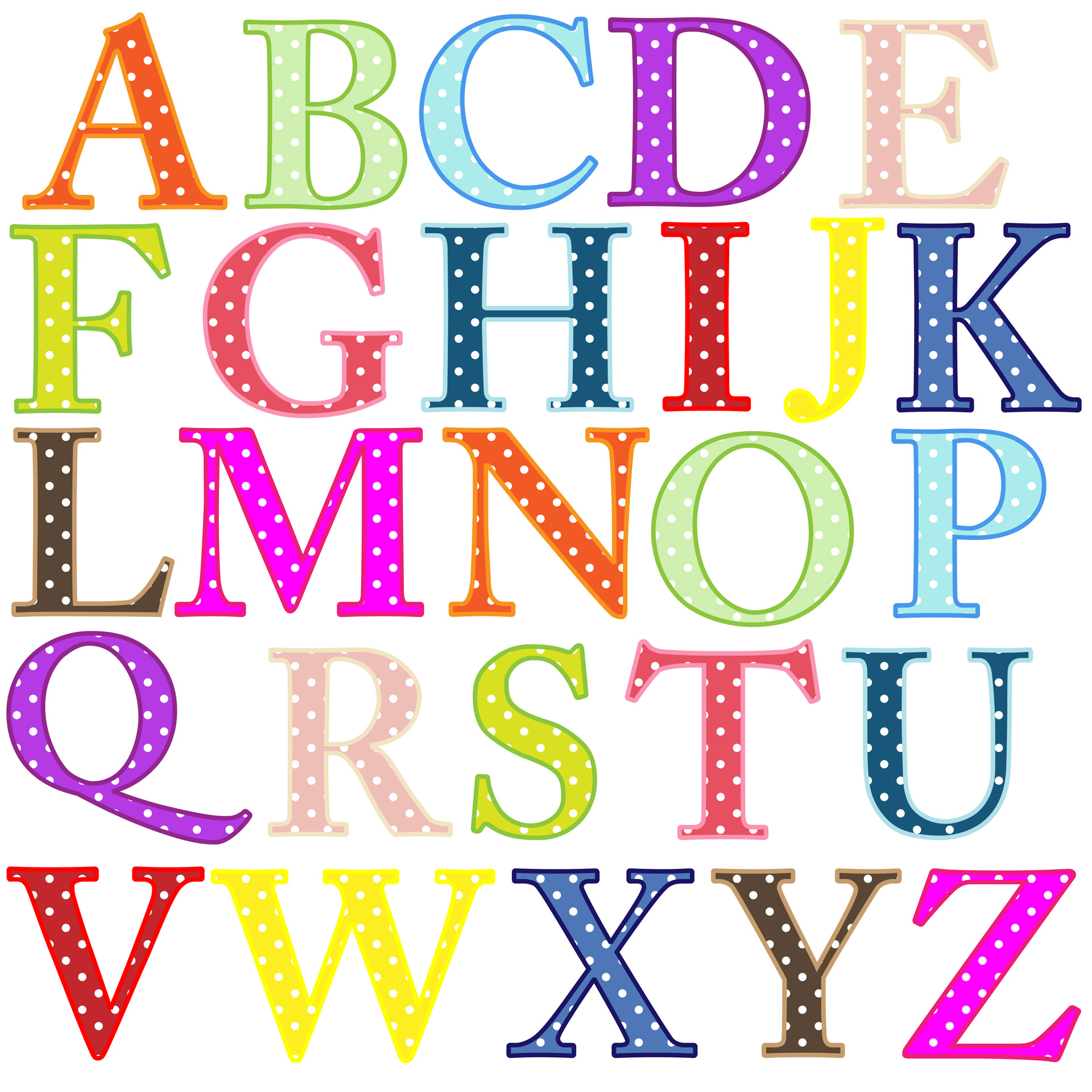
During our winter break we were assigned to take pictures of raw and man made letters, it took us while and I ended up with 2 slide decks FILLED with the pictures, the pics also ended up being nice too.
My friend has taken pictures of me and then I put into a slide deck after that I changed my pictures with adobe photoshop and put into a 2nd slide deck.
I made a photo essay about Sargent Park, this will essay will show you how I see this school that I went to for about 3 years, I worked hard on this so I hope you will consider my point of view and like what I made.