Showing posts with label Julian. Show all posts

Julian, Andrei, and Sofronio Stop Motion

This is a stop motion about littering, made by Julian, Andrei, and Sofronio.
Music:
    Sad Day - Bensound

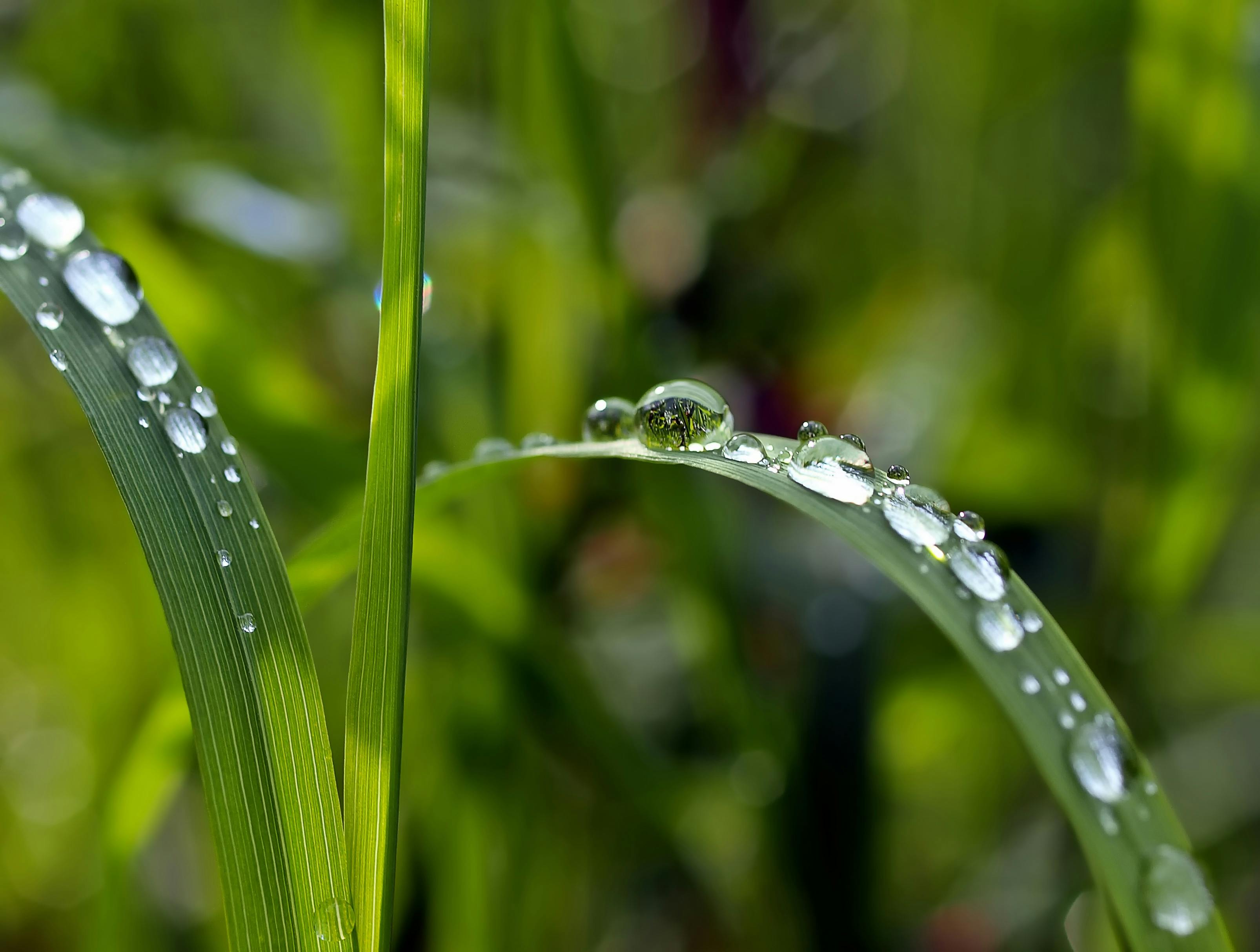
Julian's Macro Photography

https://static.pexels.com/photos/89777/grass-drip-raindrop-mirror-89777.jpeg
For this assignment, we were tasked to take macro photos, but not just any macro photos. We took macro photography of everyday objects as well as interesting ones. We also took some Guess What? That's What! photos, where you try to guess from the first picture what the object is. The final type of picture we took was tilt shift, where you make a miniature object look life size by putting it on, or beside, a large object.


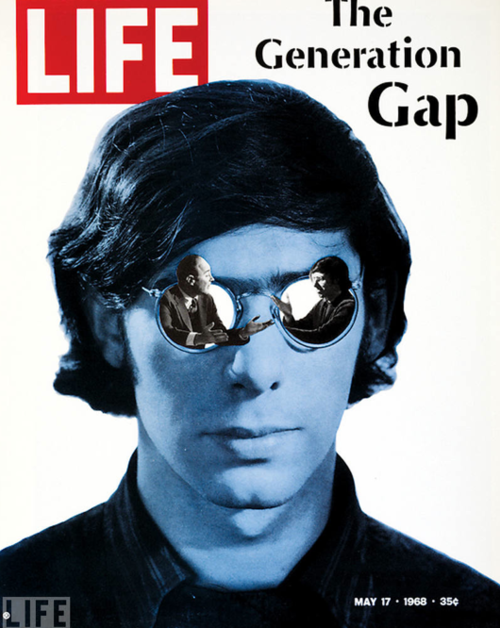
Magazine Cover Julian Zapanta

https://cdn.psychologytoday.com/sites/default/files/blogs/108767/2014/01/142161-143220.png


      The project was to make a magazine cover that expresses you. I took insipration from the Life magazine, specifically "The Generation Gap". I put myself, with 2 people from my glasses arguing, this represents how I constantly doubt myself. The magazine I made is  called "Drive" because the thing that keeps me going is a "Drive" to strive for a good life. I chose the title because the current economy is drastically different from the economy not even 100 years ago, which changes many different things in life. The 4 different headlines are based on the same thing I stated in the previous sentence, how my addiction to gaming affects my studies, and where to go from this point.


Photoshop Assignment - Applying Texture on Small Visuals.

http://www.instructables.com/id/How-to-Apply-a-Texture-to-a-Selection-in-Photoshop/

For this assignment, I chose to do this assignment because it looked pretty cool. You take a picture of a small visual, maybe an object, and a picture of a texture. Then you place the visual and the texture and place the texture on top of the visual. The next thing you do is go to Enhance -> Adjust Color -> Adjust Hue/Saturation, and then you move the saturation slider all the way to the left. After that you select the layer with the texture, and then you click the tab that says "Normal", select overlay. The final step is to right click the texture layer and select "Create Clipping Mask", and voila, your visual is textured.

Here's mine as an example:

Before:


After:


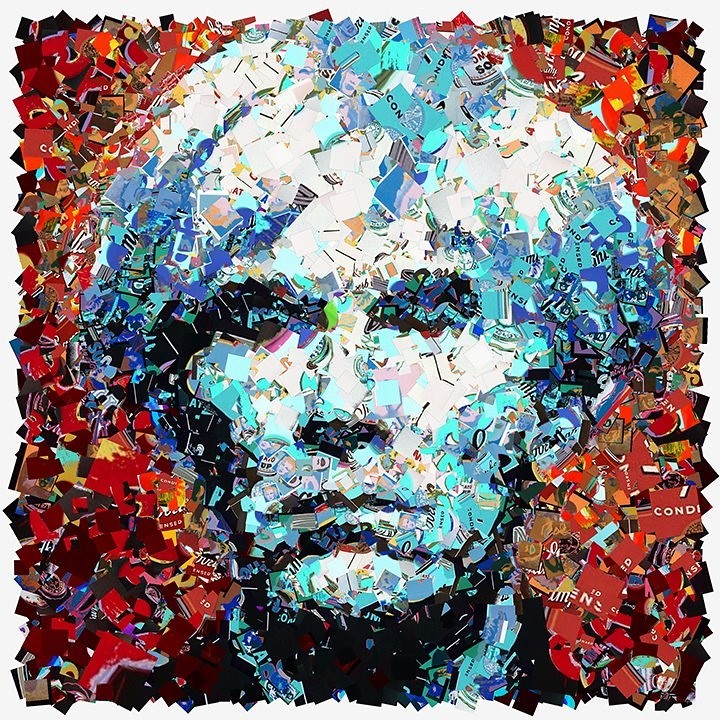
Julian's Andy Warhol Art


https://www.flickr.com/photos/qthomasbower/7157362194

This assignment was based upon the art that the artist Andy Warhol created. I created this by choosing a picture of myself, then cutting out the background. After, I colored the different parts of my body and clothing (different colors). I applied filters (cutout and poster edges) to finish the products off.



Getting to know my DSLR by Julian


Julian's Shots and Angles 2016


https://upload.wikimedia.org/wikipedia/commons/d/da/MG_8998.jpg

      For this assignment we defined different kinds of shots and angles and put pictures to show what they mean. We did this so we could understand different shots and angles to take pictures that could bring out the best product.