Showing posts with label GCT 17. Show all posts

Julian, Andrei, and Sofronio Stop Motion

This is a stop motion about littering, made by Julian, Andrei, and Sofronio.
Music:
    Sad Day - Bensound

Stopmotion by Dane, Emily, Eunice


       In this assignment, we, once again, we were assigned to do a stop motion project. For our assignment, we decided to do a mindfulness topic. The steps we took to do our project were: first, taking many pictures to make a stop motion. We used a desk for the back round, asked one of our teachers for an old test as well for some sticky notes to cover the test with fixed mindset ideas. Next, we slowly removed the negative thoughts that we put on the test to change it to a growth mindset. Once we finished taking the pictures, we moved to a computer to edit them to make them as perfect as we can. We then picked a song for the back round, matched the song to the photos, added the title and credited ourselves to our project.

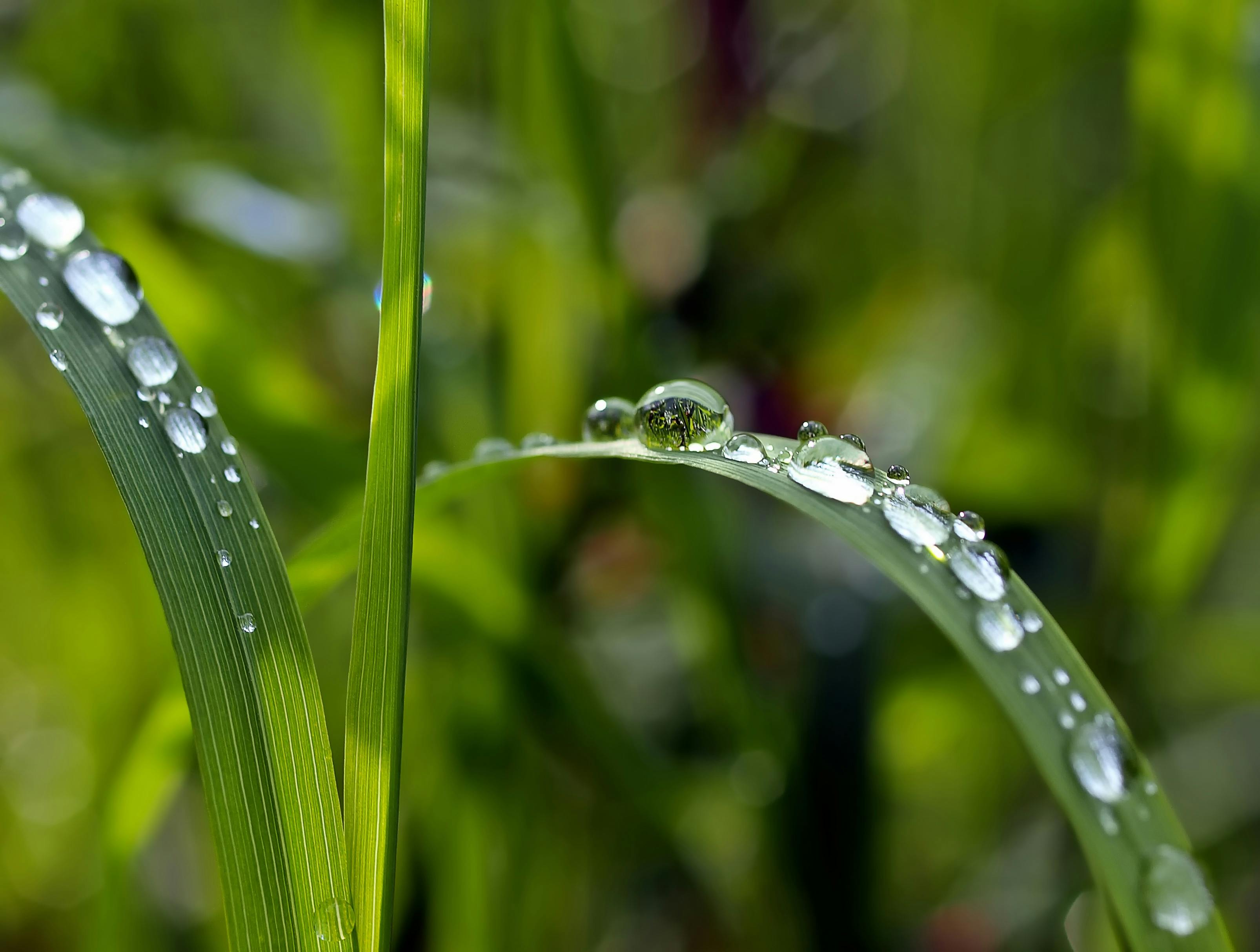
Julian's Macro Photography

https://static.pexels.com/photos/89777/grass-drip-raindrop-mirror-89777.jpeg
For this assignment, we were tasked to take macro photos, but not just any macro photos. We took macro photography of everyday objects as well as interesting ones. We also took some Guess What? That's What! photos, where you try to guess from the first picture what the object is. The final type of picture we took was tilt shift, where you make a miniature object look life size by putting it on, or beside, a large object.


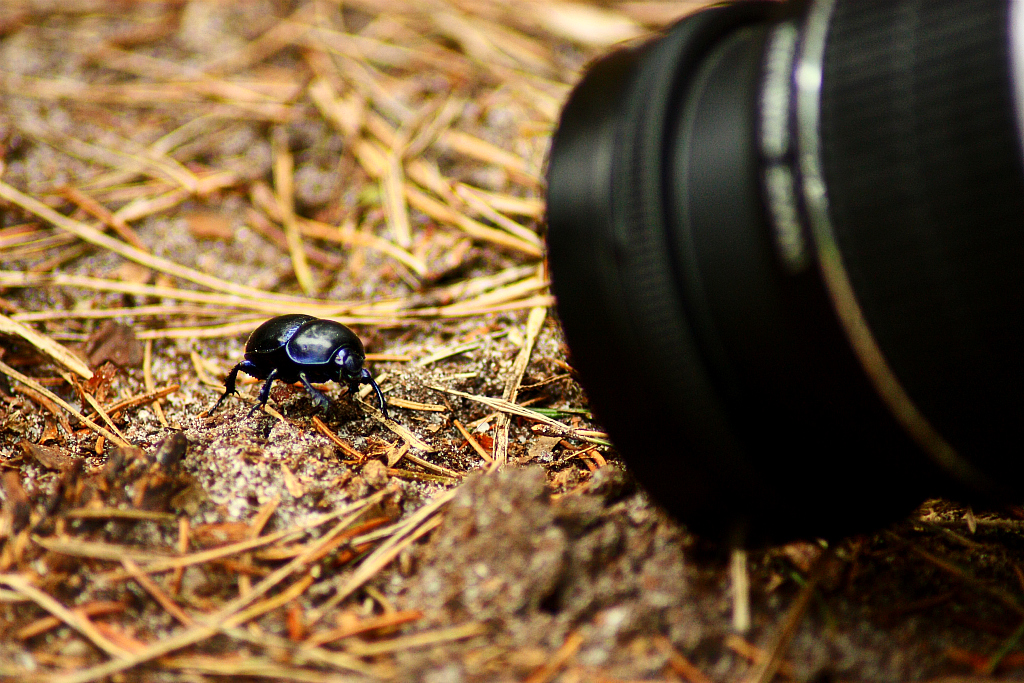
Macro Photography by Vincent Maula


For this photo assignment we were tasked to do macro photography without actual macro lenses. We used a normal lens and to magnify the zoom we used a magnifying glass. In this assignment we had to learn how to focus the camera ourselves. I enjoyed this assignment very much since we were able to go out and take pictures. I chose to take pictures of things that had very fine details. The most challenging part of this assignment was to get good macro photos. It was easy to zoom and focus on the object.


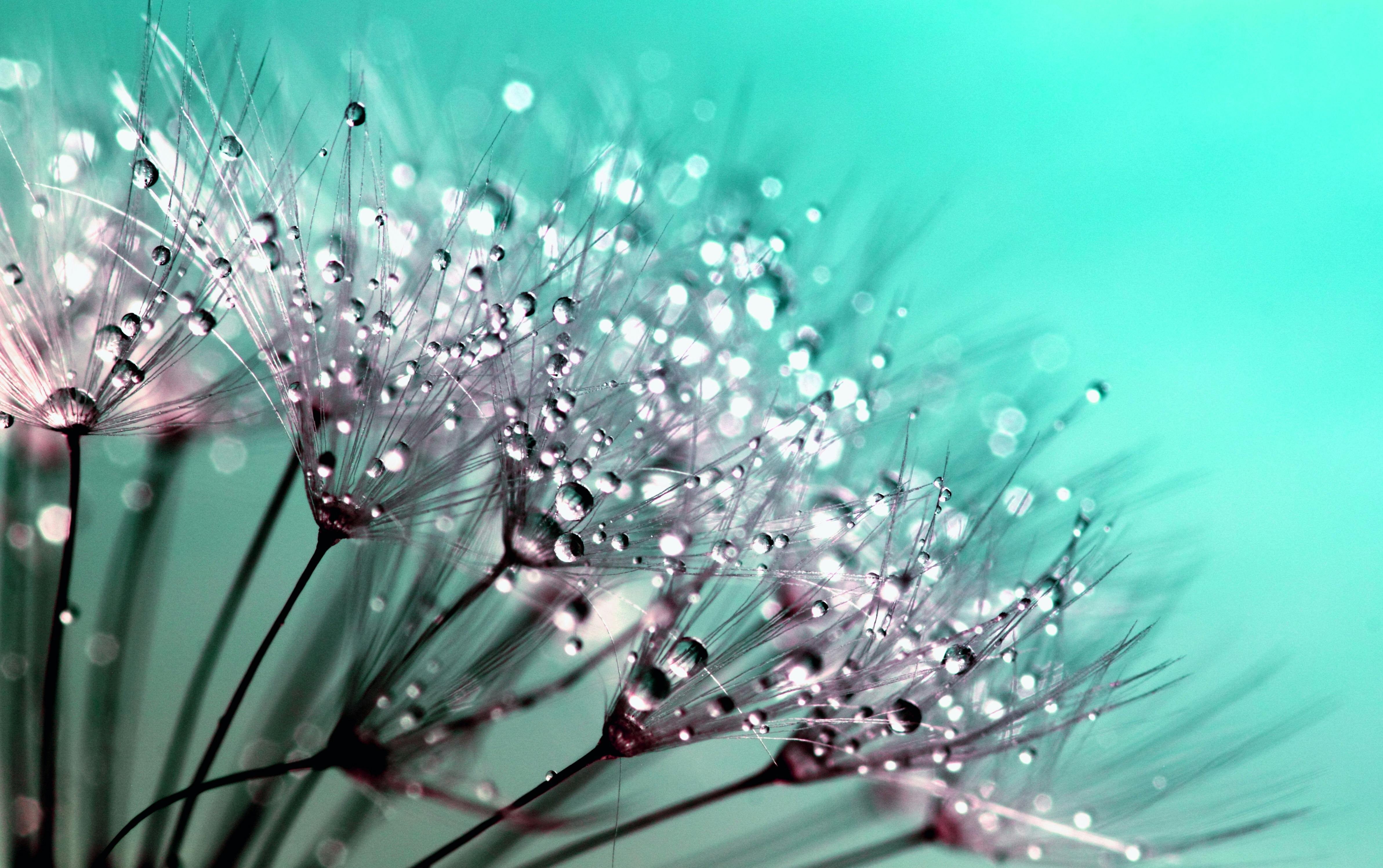
Emily's Macro Photography

    https://static.pexels.com/photos/132419/pexels-photo-132419.jpeg


For this assignment, our class was assigned to do Macro Photography. Our first job was to look up images on the internet to get a better understanding of what Macro Photography is. Once we understood what Macro Photography is, we were given cameras to experience Macro Photography for ourselves. We were allowed to roam around the school to get objects for our pictures. Our next job was to have multiple examples from the internet of Macro Photography to give the audience a better understanding what Macro Photography is. We then had to make a project on Google Slides to show 15 Macro Photos of our own, 4 Tilt Shift Photos of our own, and 5 Guess What, That's What photos. To understand what I just explained, View my presentation:


Megan's Magazine Cover

My Magazine Cover


Eunice's Macro Photography


         This is my Macro Photography project. The first thing we did for this project was go on the internet to see what macro photography is. This project required us to take a picture of an object really close up so that the object seems larger. We were told that we had to have two tilt shifts, and five guess whats. So we went around the school to look for interesting objects to take a picture of and this is what I did:


Megan's Macro Photography


Macro Photography


We used a magnifying glass to use for macro photography instead of having a macro lens. We had to take pictures of many things in a close up angle.
https://storage.designcrowd.com/w1k/submissions/7051000/7051351_8c52.JPG


JC`s Macro Photography


JC's Magazine Cover

This is our magazine project. we had to design a magazine and we had to be in it. We chose our own subjects, I chose learning.

Magazine Cover - Jamie

Magazine Cover


My Magazine:


For our next GCT project we were assigned to make a magazine cover where we had to include ourselves and make it look like an actual magazine. It also must contain four articles to complete the whole project.

First, we had to pick multiple magazine covers and use it as an inspiration for our magazines. Out of all the magazine covers that I picked, I chose the one which I thought was best and was possible to make even just for a beginner. We had to make a rough draft of the layout of our magazine, including the articles we were going to write in our magazine. Then I started the magazine and changing the layout along the way, but not too much that it won't look like the magazine it was inspired on. Then I added the articles and a bar code to make it somewhat look like an actual magazine.


Magazine Cover

 This was a project we did for GCT. We had to recreate a magazine that we found intresting. I did a SLAM sports magazine.


Dane's Magazine


This assignment was about creating our own magazine cover. The key points and mandatory aspects we needed for this particular project were; we had to be included in the magazine and we needed 4 articles.The rest was up to us. What I tried to do for my magazine was to combine and showcase the things I  loved. Zayn didn't make the cut, but to make up for it,  a sunset and the hands of the creation of adam did. Making it was just a repetitive cycle of cropping and adding the cutout filter.


Eunice's Magazine Cover


       For my magazine assignment I decided to start off by brainstorming all the things I wanted to be on the cover. Next, I did a rough sketch on a piece of paper to see how all of my components would fit together. After I went onto the computer to to pick out the right background for my cover. Then I had Emily to take a portrait picture of me and took that picture and put into the computer. 

The first thing I did the the picture was get rid of all the background and i enhanced my photo by playing aroung with the colours. Then I went to dafont.com to pick out fonts the will compliment my cover. I pressed the print screen botton and then transfered it into photoshop. After getting rid off all the white space I place the word as to where I wanted it in the cover. The last thing I did was put a barcode and the price of the magazine.


I decided to make a second magazine for fun and for marks. I went on Google and searched for magazine covers to get an inspiration. I chose one that I liked the most so that it would be more enjoyable to re create. The process of this magazine was quicker than my first magazine cover because of the way I had accomplished it. The way I did my second magazine cover was:
Step 1- I made the backgound similar to the original by making a white rectangle shape at the top 
Step 2- I took the pictures needed for my cover
Step 3- I got rid of all the background space and placed the photo into photoshop
Step 4- To create the effect of the rips I used the brush tool
Step 5- I went to dafont.com and print screened all the the words I needed for my cover
Step 6- I place each word into photo shop and tried to make it complement each other
Step 7- Lastly I plave the barcode

Vincent Maula's Magazine Cover

With this project we created our own original magazine cover. Before starting to work on my cover, I looked at many different magazines. From Life to National Geographic, to even some small magazine brands. Those inspired me to create this cover. Throughout the process, I did many things to ensure that it was the best that I could make it. The hardest part of making the cover was making the infinity sign with the picture within it. It turned out well and compliments the rest of the cover. I like the end result.

Kobe's Magazine Cover


For my magazine cover I decided to go with my interests for the articles, and a skateboarder kind-of picture. For the picture I got it taken at Tec Voc (Go Hornets) and for the text I used the font Helvecta Pro Bold.

Emily's Magazine Cover


For this GCT assignment, right after recreating a movie poster, we were assigned to pick a magazine cover we enjoyed to get an inspiration for the one that we were going to make. We had to use Photo Shop to make our magazine cover as real as we could.

The steps I had used was: I first chose multiple magazine covers that I thought were nice enough to recreate. Out of the 8 covers, I chose one that I thought was the best. I then made a practice cover on loose leaf so I had my cover planned. I decided what I was going write, place etc. so that it was easier for me. I picked out the words, then found the proper font that matches the one on my inspiration magazine cover. After, I took pictures to match the magazine cover as well. After all of the fonts and pictures, I had added a barcode to make it look like a true magazine.

Stefi's Magazine Cover

MY MAGAZINE COVER

  For this assignment we were told to design our very own magazine cover. We learned how to design our own cover and not make it look like it was copied. I named my magazine FIRE because its in the middle of my first and last name, making it more unique. It was inspired by those fashion magazines like ELLE and Teen Vogue.


Vince's Magazine


For this assignment we were told to make our own magazine covers, for my cover I chose to do a programmer/hacker type of magazine. I chose this kind of theme becasue growing up, I really enjoyed reading magazines like Wired, The Gadget Show, and etc. From this I learned how hard it is to come up with your own original magazine without making it look like you copied off of someone.