Showing posts with label Photomerge. Show all posts

Reina's Photo Dirty

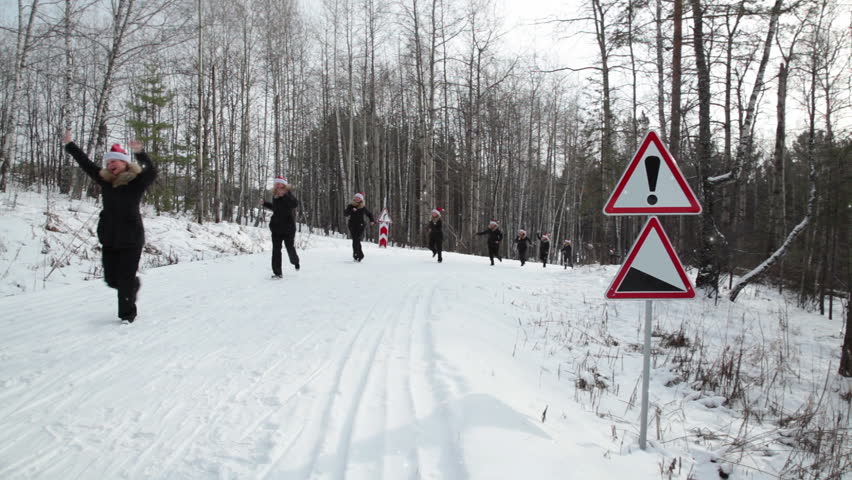
This is my photo dirty assignment. I went outside and got somebody to take multiple pictures of me and I went in to Photoshop to merge them all together.


Willy's Photo Dirty

Here is my photo dirty                                                                

                                           Final Product

                                                   Pictures that I used


Alicia's photo merge


Photo Dirty


https://s-media-cache-ak0.pinimg.com/736x/e4/33/f0/e433f02a7974ed53799fbaaf67de5f1f.jpg

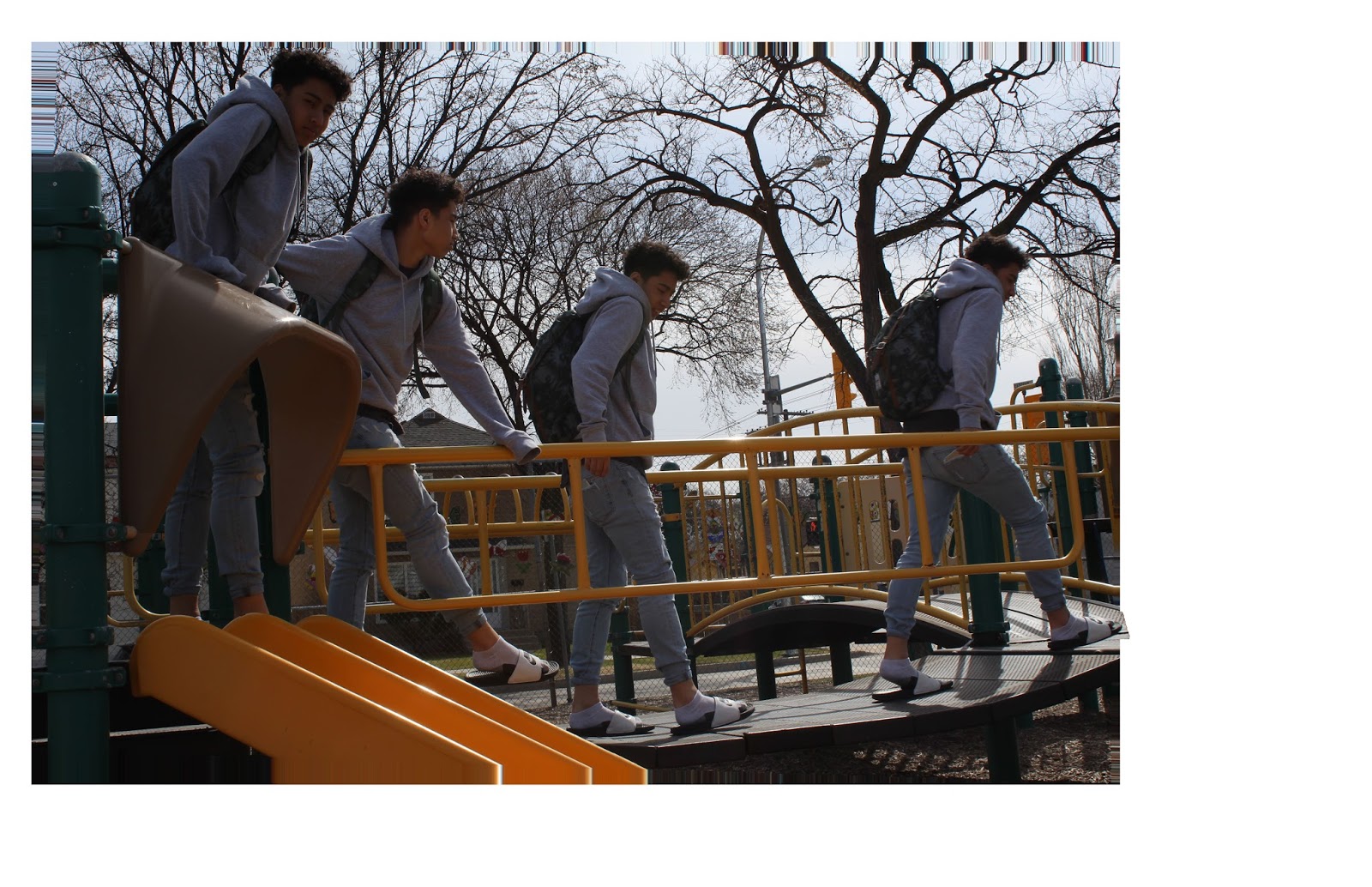
For this project, we had to take multiply pictures of someone in a different position. In the end, we have to combine them together to create one image. We had to be careful because if the positions are to close with each other, they will overlap.


christines photomerge scene cleaner/dirtier


https://s-media-cache-ak0.pinimg.com/originals/8b/0e/42/8b0e429e9ebb2375de0b4b87a2df5572.jpg

For this project, we did photo merge. We took photos of others, in the same area, but in different spots and positions. The photos were taken with a DSLR and a tripod. After we took the photos, we take them and put it into our USB. Then open up the photos into Photoshop Elements, and edited the brightness and contrast to all of the photos that we were going to use for the photo merge. Then I photo merged all of the photos together, and the saved it as a JPEG to then post it to blogger. 


Photo Dirty, Photo Merge


This assignment is called photomerge. You use a tripod and take pictures of a person in different positions and different areas with poses of their choice. (With the same background everytime.) After you have your pictures, you edit you pictures to make them more appealing on Photoshop Elements. After you edit, you select all the pictures that you are going to use, and go on Photomerge group shot under Enchance and Photomerge. After that, you drag a picture on the right hand side because there will be two rectangles on your screen. Next, one by one you select a picture and press the pencil tool and draw over the object/person you want to merge. If theres something in your picture you would not like, you use the erase tool and erase the line you drew little by little. You then repeat these steps to all you pictures. 

Rough Draft


Good Draft 


Jovinelle's Photomerge Scene Cleaner/Dirtier


This assignment is called Photomerge. We used a tripod and took pictures of the same person in different positions but using the same setting every time. After you have all the pictures you have to use Photoshop Elements and choose all the pictures you are going to use. After select, all the pictures in photo bin you are going to use and it shows you on the screen that you have to draw a line over the person and it will photoshop it for you.


Photomerge (photo dirty)

This assignment is called photomerge. We take pictures with a tri-pod of the same backround. Then we merge the photos together to make one big photo with all our photos. Then it will look like one photo with multiple YOU in the picture!


Original Photos
Final